ACTIVITY 7: Angular Basic Routing
Angular Create Components, Modules, and Routes
Components
Components are building blocks in Angular applications. Each component contains the HTML, CSS, and logic for a part of the user interface. You can think of them like small, reusable parts of a webpage.
Module
A module is a container for a set of components, services, and other code that works together in an Angular application. The root module, usually named AppModule, starts the application and contains all other components.
Routes
Routes define how users navigate between different pages or views in your application. You set up routes so that when users click a link, they see the right content (such as the Homepage or Login page).
Router
The Angular router helps manage navigation between different views or pages. It allows you to change the visible part of the application based on the URL without reloading the entire page.
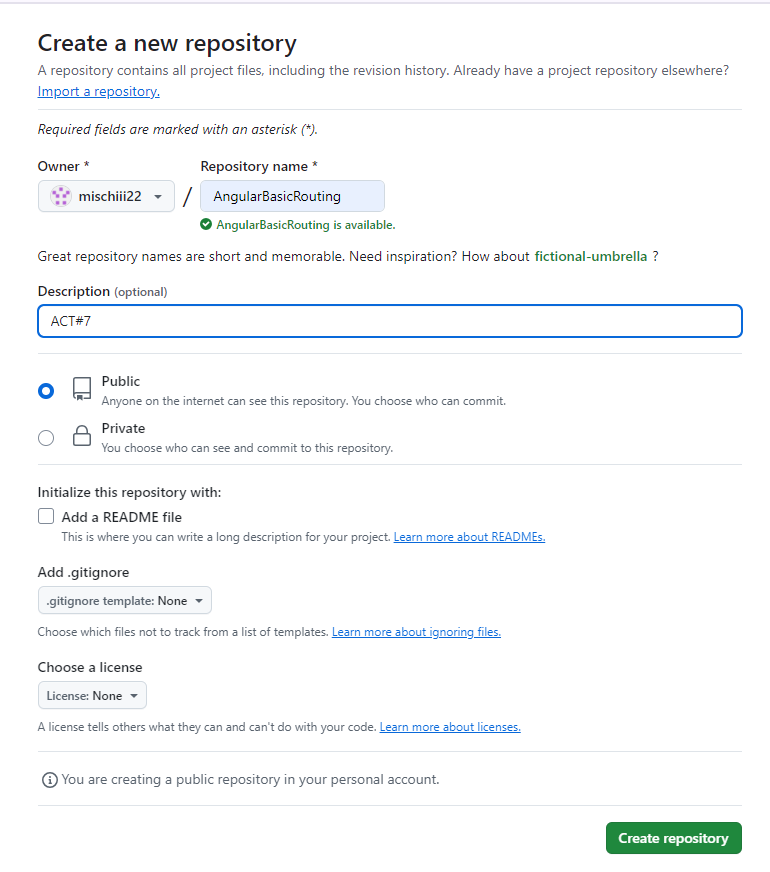
1. Create a folder named components
In your Angular project, create a folder named components. This folder will contain all the individual components of your project, like the homepage, login, and services.

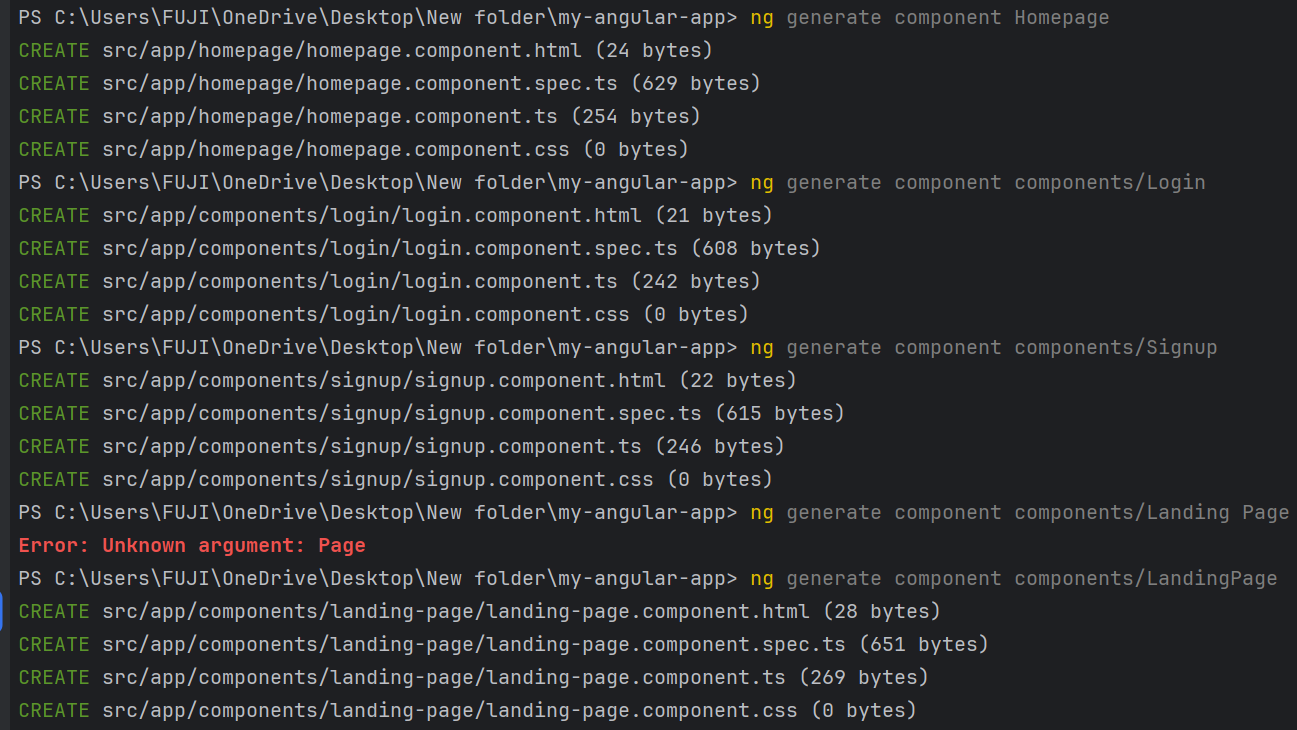
2. Generate 4 Components
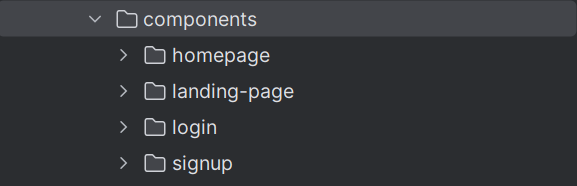
3. Move the 4 Folders to the Components Folder
4. Add app.module.ts
Ensure the app.module.ts file is set up to include the necessary imports for routing, form handling, animations, and the components. Follow the provided structure in your example.

Content of app.module.ts
import {RouterModule, Routes} from "@angular/router";
import {AppComponent} from "./app.component";
import {NgModule} from "@angular/core";
import {CommonModule} from "@angular/common";
import {BrowserModule} from "@angular/platform-browser";
import {BrowserAnimationsModule} from "@angular/platform-browser/animations";
import {config} from "rxjs";
import {HomepageComponent} from "./components/homepage/homepage.component";
import {LoginComponent} from "./components/login/login.component";
import {LandingPageComponent} from "./components/landing-page/landing-page.component";
import {SignupComponent} from "./components/signup/signup.component";


const routes: Routes = [
  {path: 'homepage', component: HomepageComponent},
  {path: 'login', component: LoginComponent},
  {path: 'signup', component: SignupComponent},
  {path: 'landingpage', component: LandingPageComponent},
]


@NgModule({

  imports: [
    CommonModule,
    BrowserModule,
    BrowserAnimationsModule,
    RouterModule.forRoot(routes, {enableTracing: true}),

  ],

  declarations: [
AppComponent,
    HomepageComponent,
    LoginComponent,
    LandingPageComponent,
    SignupComponent,
  ],

  providers: [

  ],

  bootstrap: [
    AppComponent
  ],

  })

export class AppModule {}
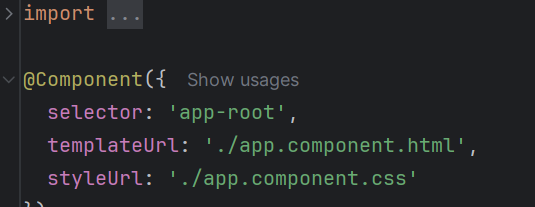
5. Remove standalone: true and imports: [] from All Components
In each component's .ts file, remove the lines standalone: true and imports: [], since they are not needed in this project setup.
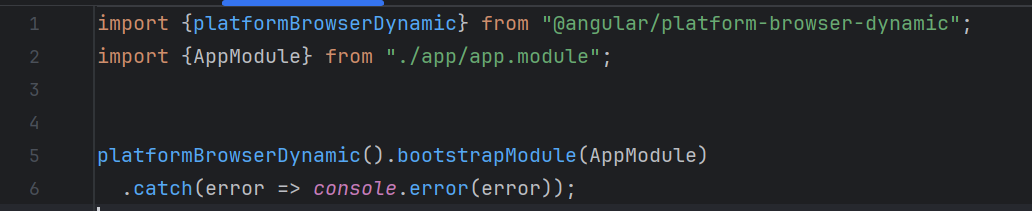
6. Update main.ts
Ensure that main.ts bootstraps (starts) the application with the AppModule as shown in your example.
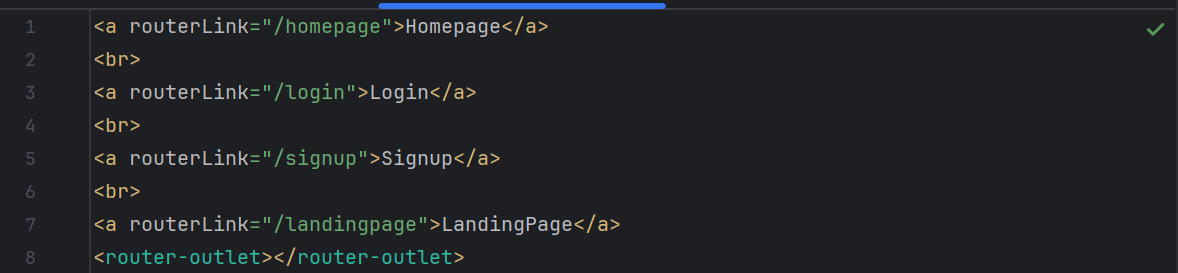
7. Update app.component.html
Modify app.component.html to include the navigation links and the router-outlet, which will display the routed views.
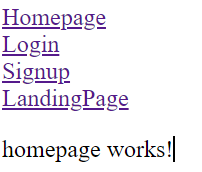
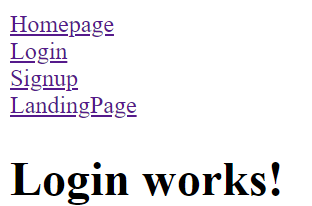
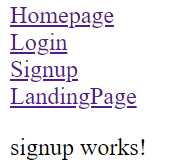
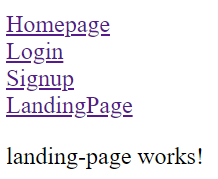
8.OUTPUT
Github Link: